Common Causes of File Corruption


Common Causes of File Corruption
Importing from Baidu HD
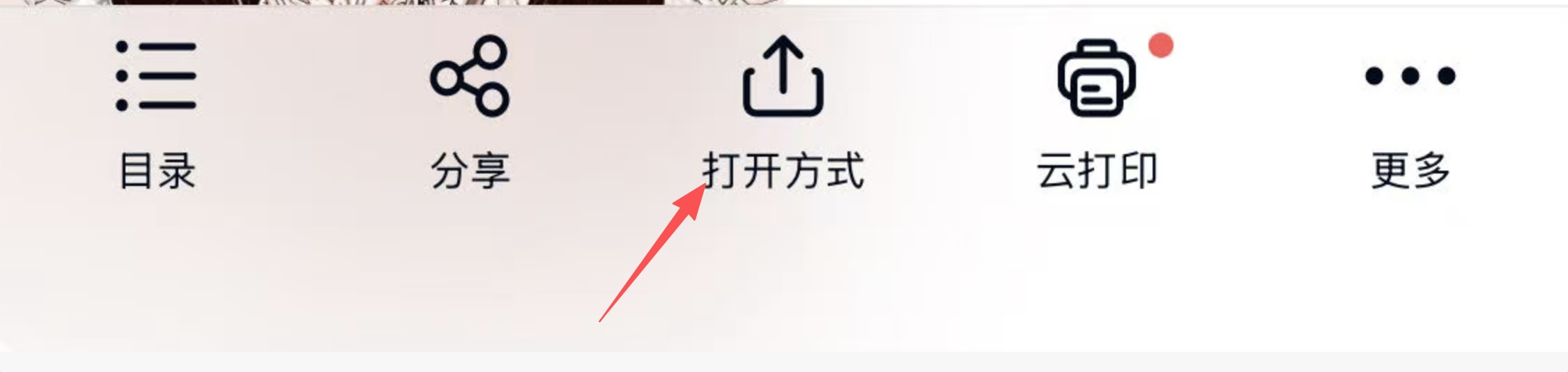
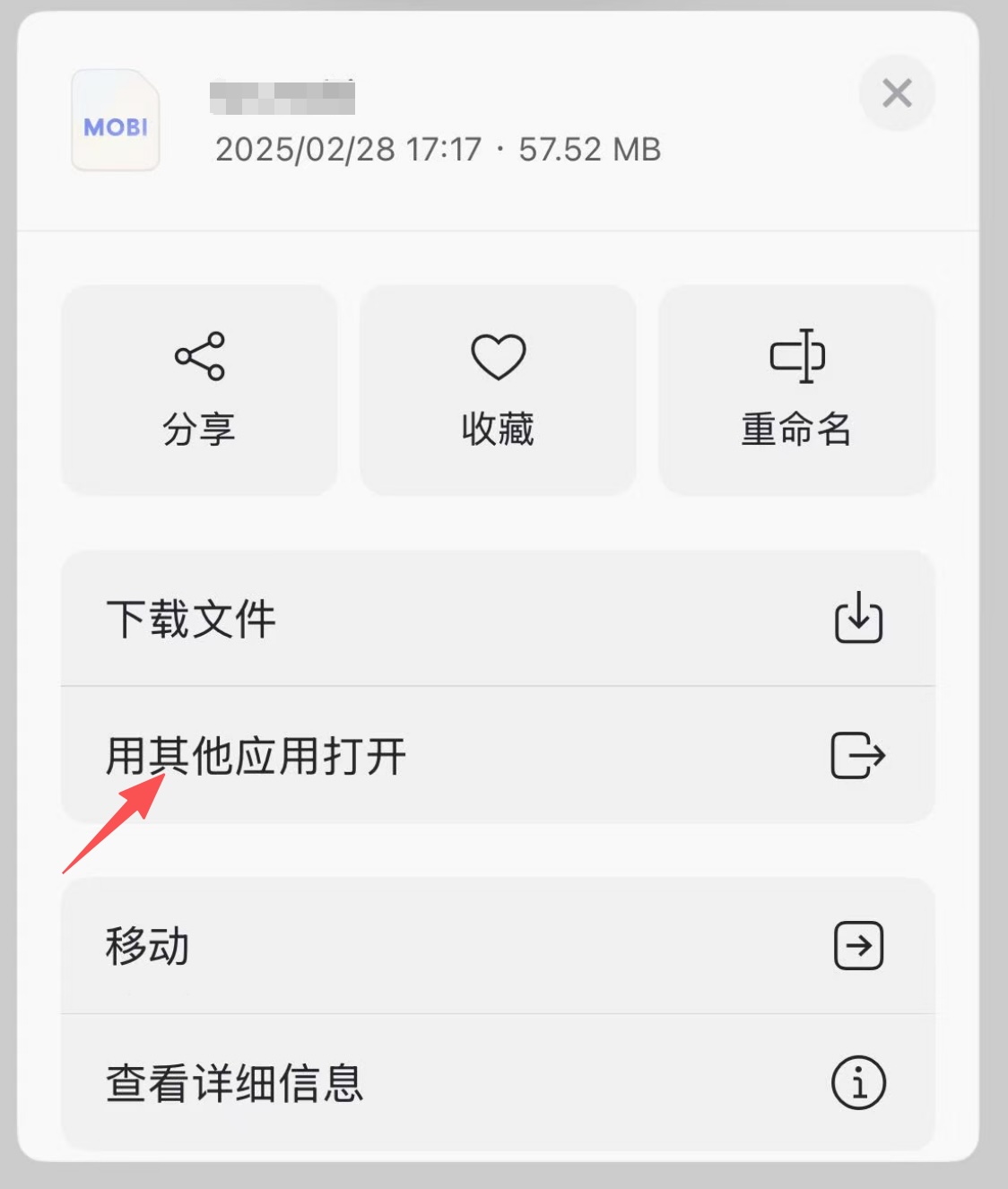
To import files from Baidu HD, you need to download the file in Baidu HD first, then select "Open with other apps"; Files imported directly from the "Files" app to Manga Capsule cannot be opened because they are just shortcut links and do not contain the complete file. You need to import from within Baidu HD.
Cloud Storage Sharing
When sharing files to Manga Capsule from cloud storage services like Baidu Cloud or Aliyun, you need to use "Open with other apps" to share. You will see a file download process, and only then will the shared file be complete and correct. Baidu HD's sharing feature shares a shortcut link, not a complete file, so it cannot be opened.
Download Failure
Some files may not download completely due to network issues during the download process; such files are corrupted and cannot be opened. You can try re-downloading.
Encrypted Files
Manga Capsule currently does not support reading encrypted archives. If zip/rar files are encrypted, they need to be decrypted before viewing.
Nested Archives
Manga Capsule currently does not support nested archive files, meaning archives containing other compressed files, or archives with epub/mobi/pdf comic files inside. These are also not supported and need to be extracted before reading.