
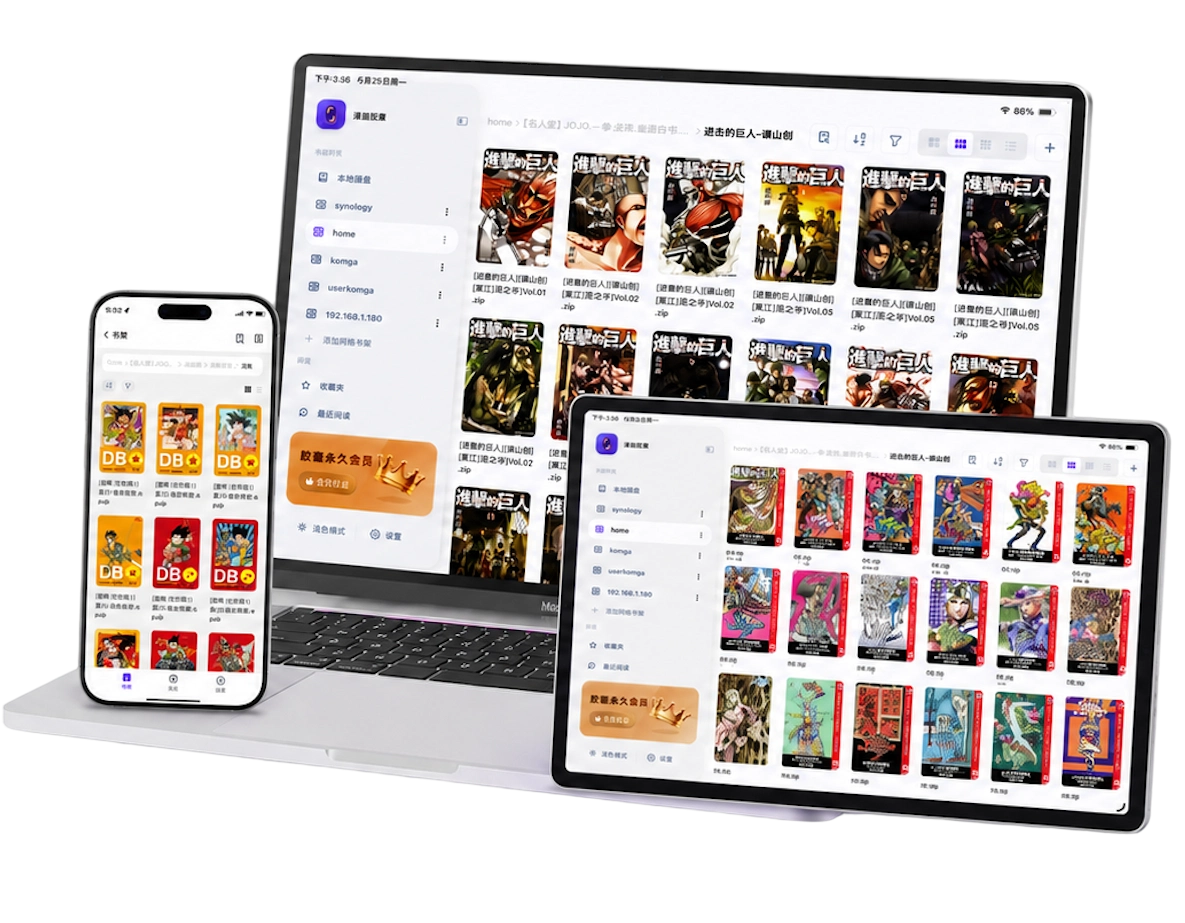
Webtoons should be read vertically
Korean and Chinese webtoons are usually published as tall vertical strips: many are split into slices, and some platforms release whole long images. They're made for top-to-bottom continuous scrolling, and horizontal page-turning usually feels wrong.
Reading webtoons in a horizontal page-turning reader has classic symptoms: the art gets squashed, large empty bands appear above and below, and paging logic gets confused. To judge whether a reader suits webtoons, check two things first:
- Does it have a continuous-scroll mode rather than treating each slice as an independent page;
- Can it auto-detect the tall webtoon shape and switch to scrolling, saving manual setup. Detection and stitching results vary by reader.
For how iOS webtoon readers compare, see best iOS manga reader for PDF webtoons.
Where the seams are, and how to remove them
Many people think the "seams" in webtoons are a resource problem, but they're more often a rendering problem: an ordinary reader treats each slice as a page, spacing appears between pages, and rounding errors when zooming create white seams and a disjointed feel. How cleanly slices were cut and whether they carry their own padding also affect the result.
A reader with a webtoon mode re-stitches slices into one continuous image at render time and computes zoom across the whole strip, so seams usually disappear. That's exactly the approach in how to fix gaps and severe disjointed feeling between webtoon images; the key points:
- Sliced resources can usually be read as-is; you don't need to stitch them into a long image yourself;
- Stitching happens at render time; the original files stay untouched;
- Progress is saved per "episode," so long series never lose your place.
Whether stitching is truly "seamless" still depends on slice quality and the reader's implementation.
PDF webtoons: the most common and the pickiest
Many webtoon resources exist as PDF, and PDF is the least friendly format for them: every page carries its own margins, the aspect ratio isn't tall, and scans often have two pages glued together. The right reader needs to do three things well:
- Auto-crop white margins to reduce top and bottom blank space;
- Split double pages to cut scanned facing pages into singles;
- Continuous scroll so there's no stutter at page boundaries.
Beyond that, whether a PDF webtoon is automatically stitched into one continuous image and reads seamlessly across pages depends on the reader's implementation; not every PDF can do this automatically.
For the exact settings for these three, see how to remove excess white borders from PDF comics and how to split scanned manga pages and merge double-page spreads; for reader comparisons, see best PDF webtoon iOS reader review.
How to collect and manage webtoon files
A single webtoon episode is small but a series has many episodes; common storage forms are ZIP (containing slice images) or PDF. Suggested organization:
- Split files by "episode" or "volume" and number the names so the reader can sort and track progress reliably;
- Put a big library on a NAS or cloud drive, mount it with a reader that supports on-demand page reading and read as you go — you save device space and pay in waiting and cache; ZIP-style formats give the best experience, while MOBI still needs a download first. See the NAS manga reader guide;
- Keep a few frequently read titles locally, as in the local manga reader guide.
On iPad, you can narrow the image width a bit for a more comfortable viewing distance; portrait scrolling on the iPhone is already the best shape for webtoons.
Frequently asked questions
Do I need to stitch webtoon slices into one long image before importing?
No. ZIPs of slices read directly; stitching happens in the reader at render time.
Can regular page-manga be misdetected as webtoons?
Detection is usually based on features like image aspect ratio, so page-manga mostly enters paging mode. There can still be rare misjudgments; switch back manually in reading settings.
Can webtoons inside a PDF scroll seamlessly too?
It depends on the reader and the file: better readers auto-crop margins and stitch recognizable PDF webtoons for scrolling; Manga Capsule has special handling for long PDF strips, and the spread-seam fixes across pages are equally subject to actual rendering.
Is this page for people looking for online manga?
This page is about reading manga files you already own. Manga Capsule does not provide online manga content; use files and services you are entitled to read. For a broad look at the options on iPad, see the complete iPad manga reader guide.